The clipboard that reads between the lines.
Clipless quietly remembers everything you copy, then reads it — spotting emails, IPs, tickets and URLs and turning them into one-click actions.
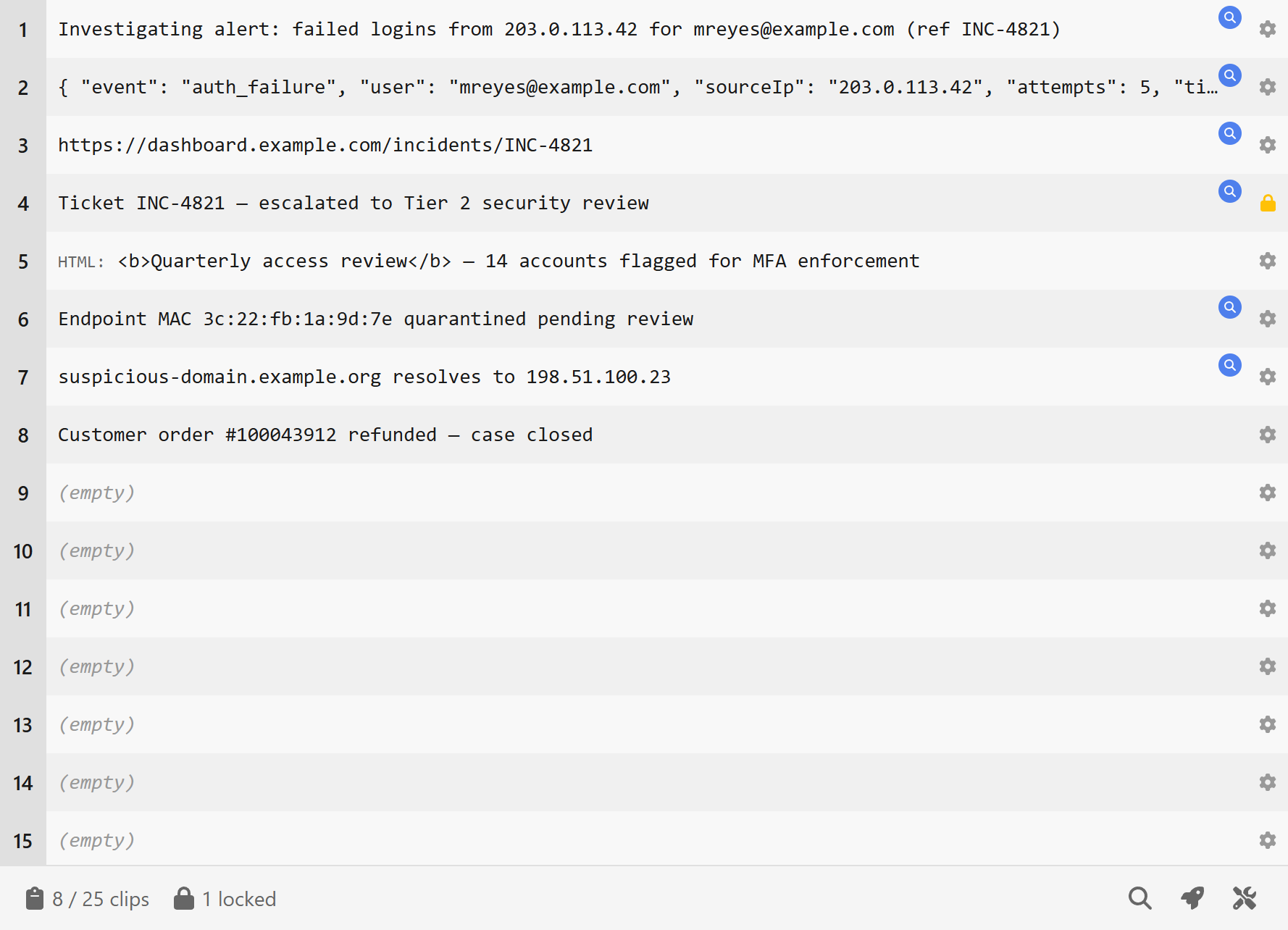
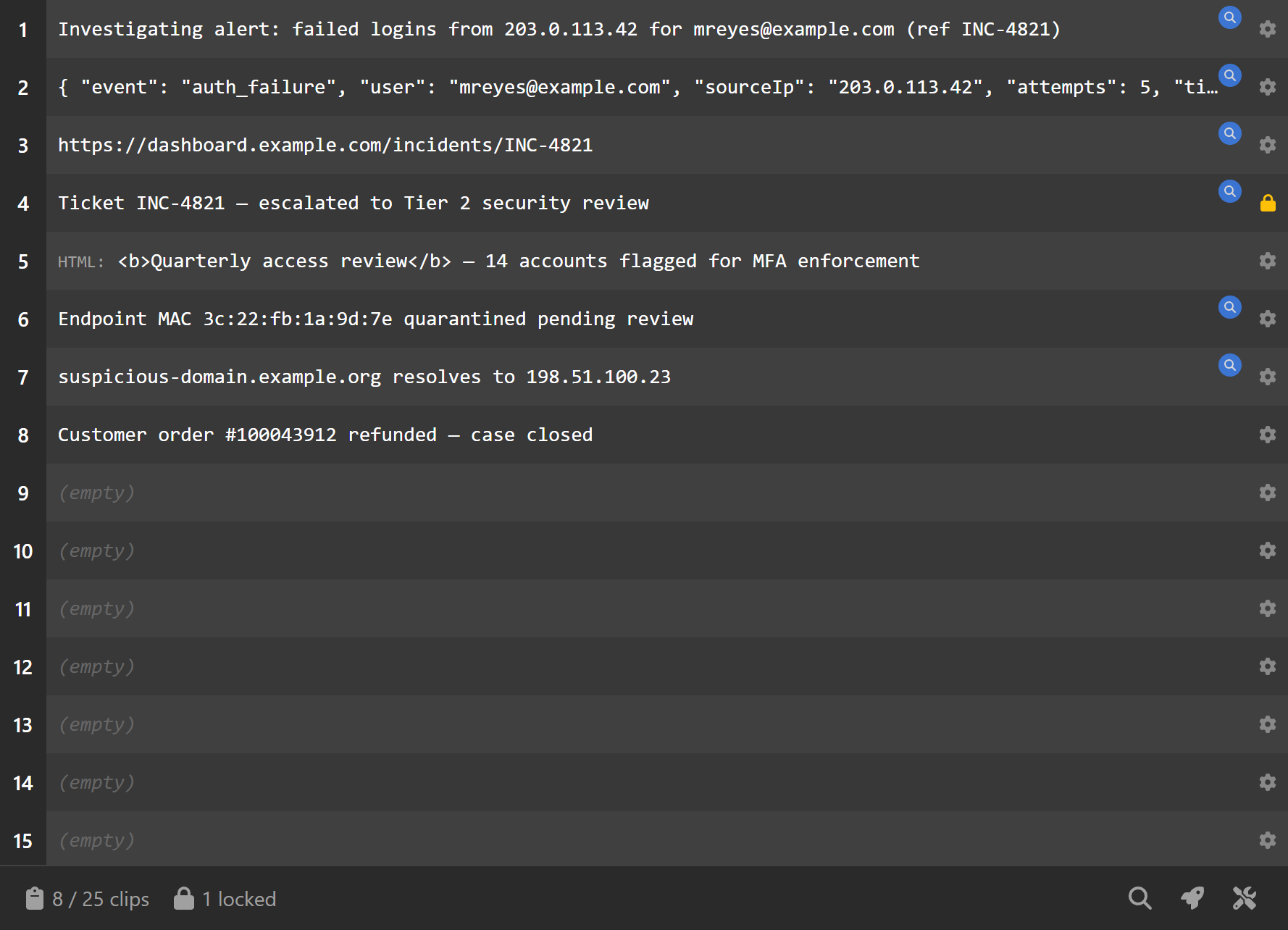
It reads what you copy.
The moment something useful lands in your clipboard, Clipless flags it. Every value it pulls out is a chip on the clip row, ready to pin.
- Automatic detection — emails, IPs, URLs, phone numbers, ticket IDs and your own custom regex
- Pick exactly what you need — each extracted value is individually selectable
- Named capture groups — build patterns once and reuse them across every clip
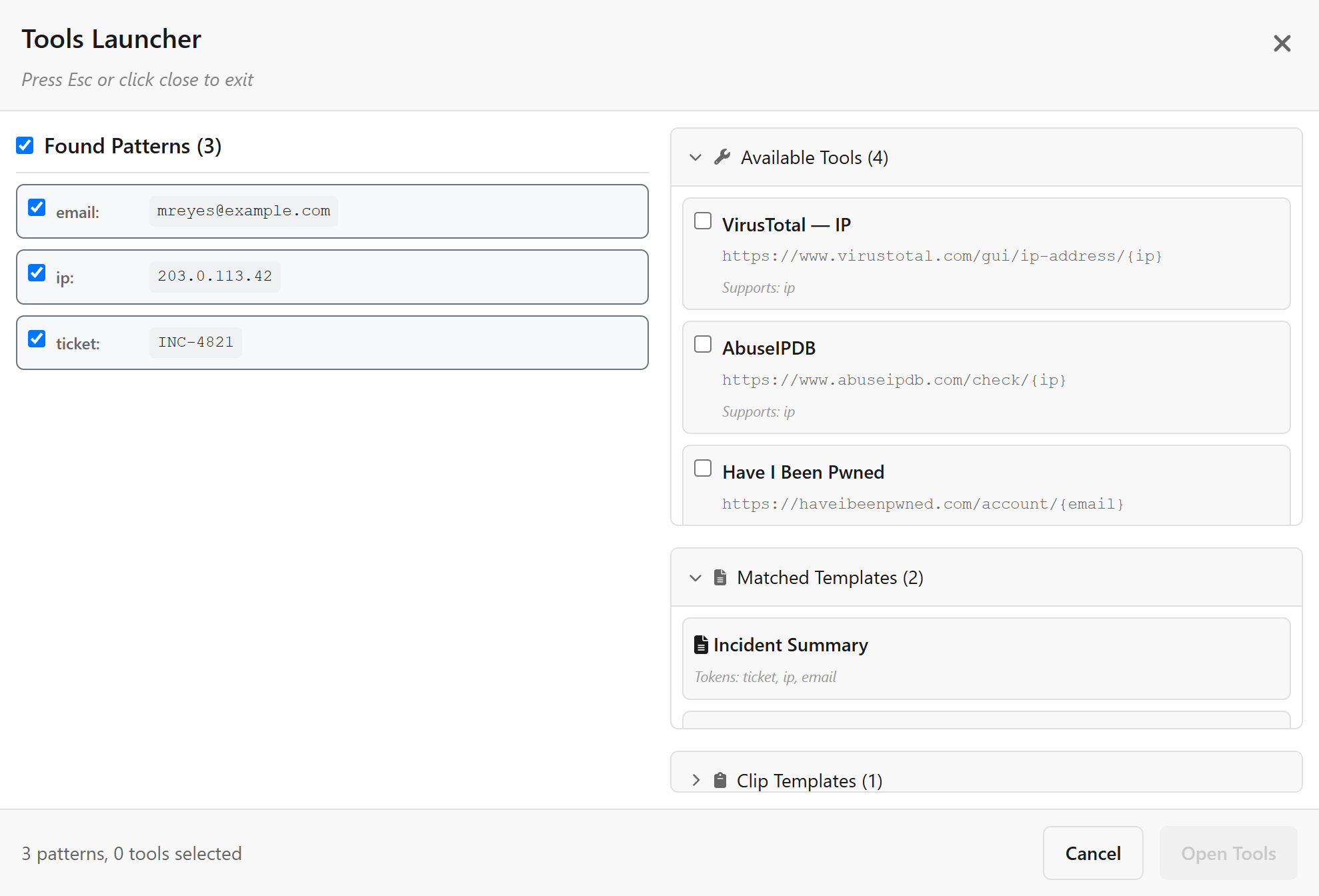
Pin a value. Open every tool.
Every match is a chip on the clip row. Click one to pin it, and the tray offers the tools that take it. Quick look reads any clip in full inside the main window, with the same chips and pins. No retyping, no second window.
- Multi-token URLs — drop values into any link, e.g. tool.com/{ip}/{email}
- Open in bulk — pin several values; the tray states the tab count before you click
- Templates & sharing — ready templates copy filled-in text; export configs for your team
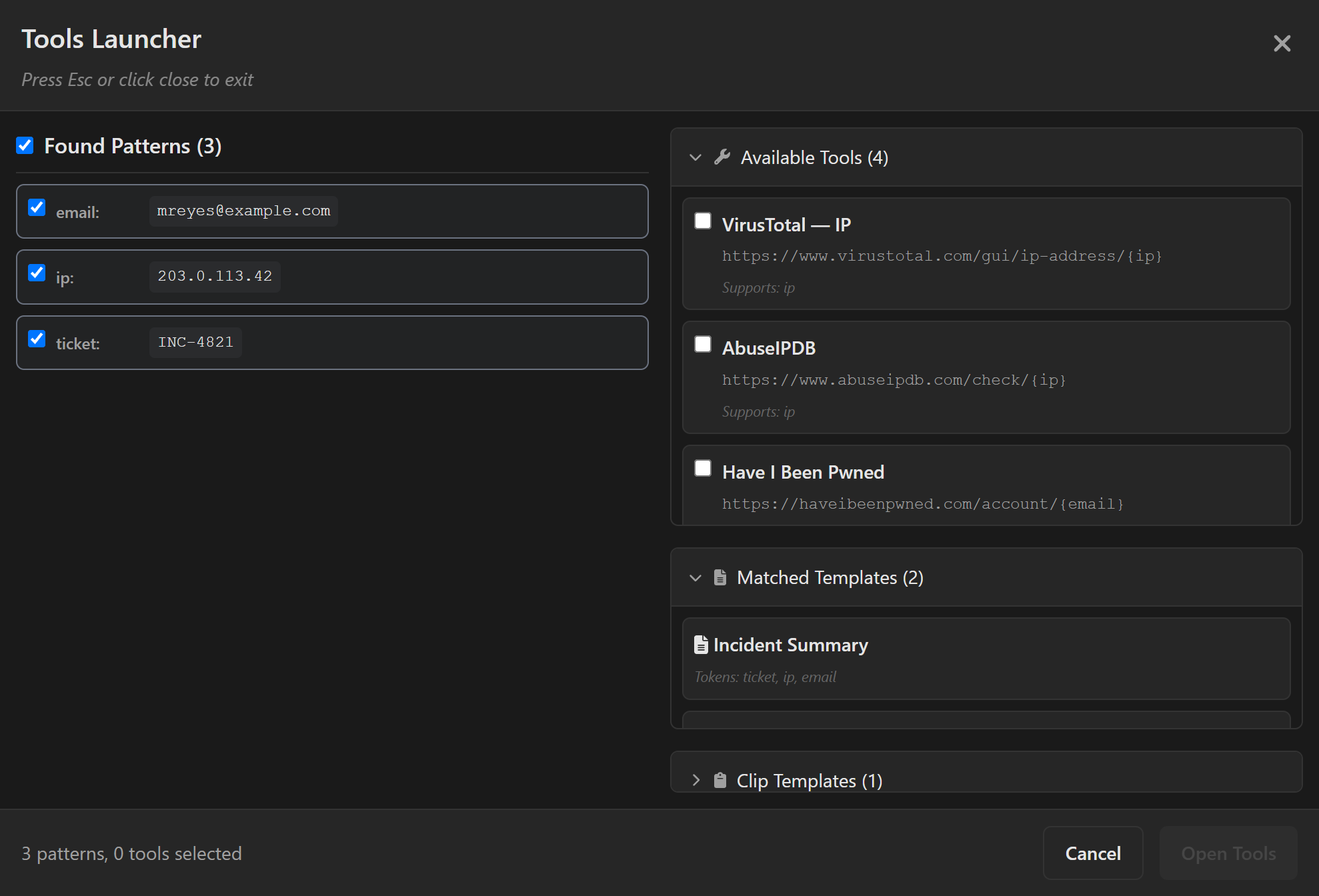
Looks right, day or night.
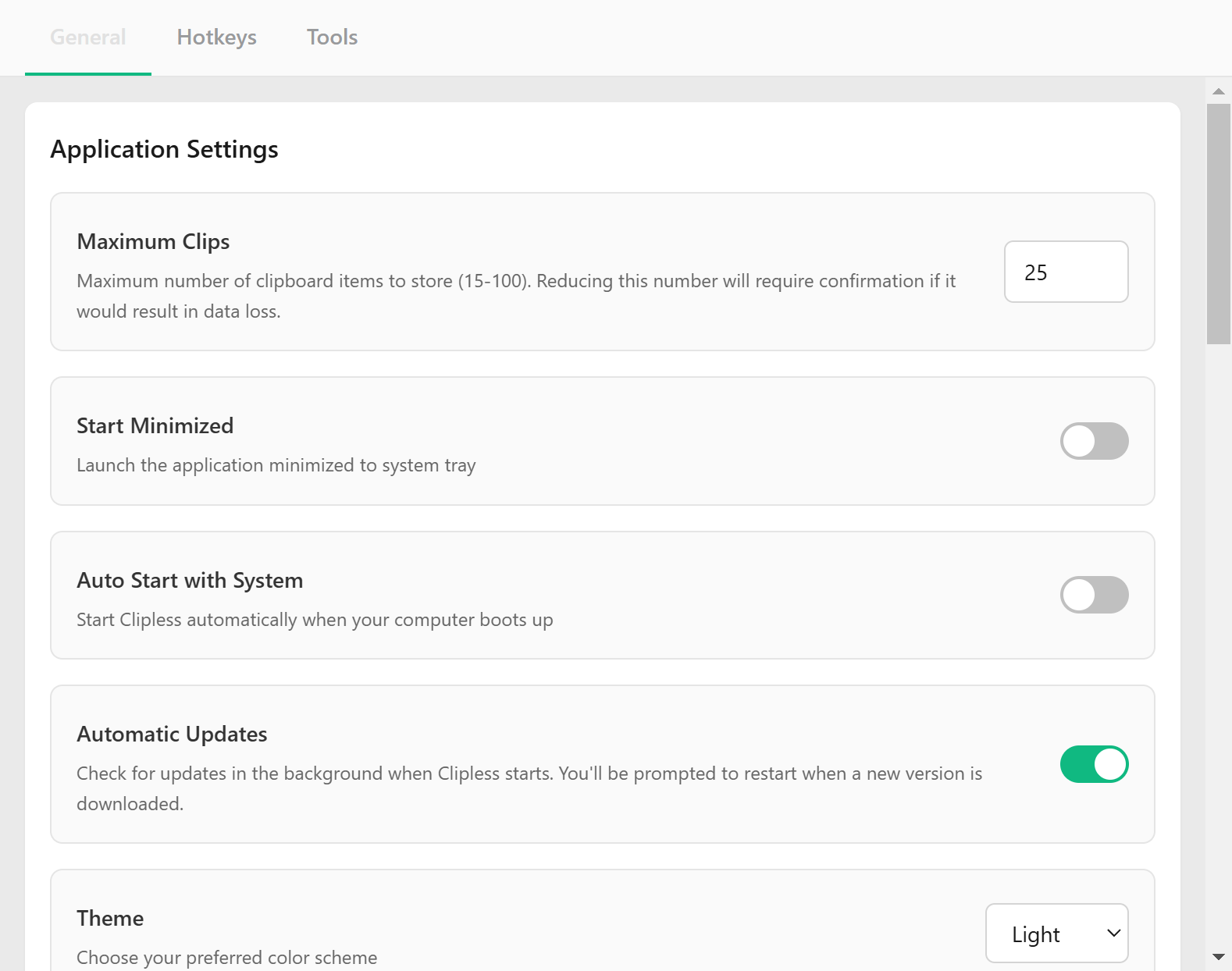
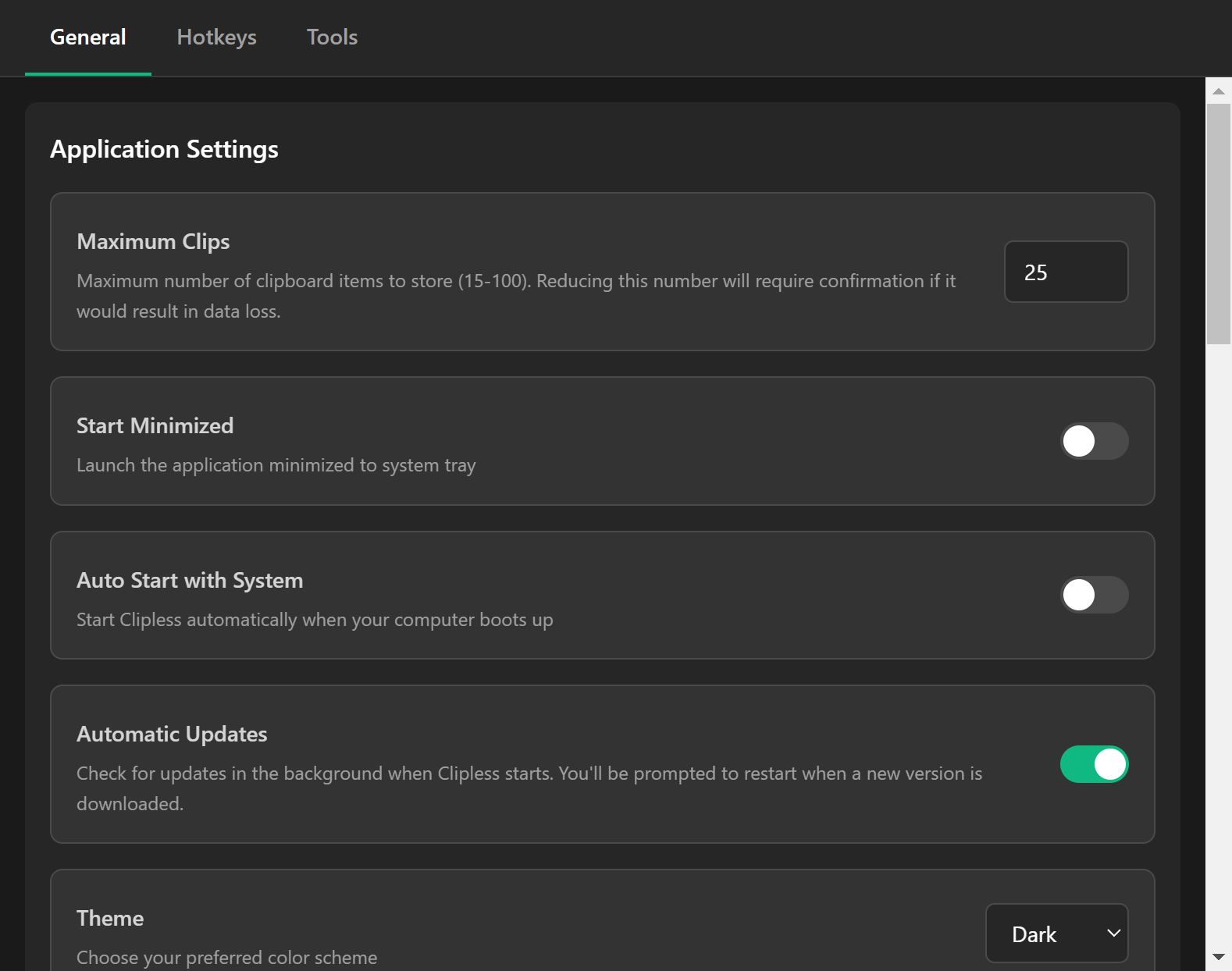
Clipless follows your system theme out of the box and flips instantly when you switch — with smooth, considered transitions instead of a jarring flash. Prefer to set it yourself? One dropdown, done.
- Matches your system — respects your OS light / dark preference automatically
- Carefully tuned palettes — readable contrast and soft surfaces in both modes
Built for repetitive work — flexible for anything.
Clipless shines anywhere people copy the same kinds of data all day. But nothing about it is locked to one job — define your own patterns and tools, and it bends to whatever workflow you throw at it.
Call centre & support
Copy a customer email or account number and open it across your CRM, billing and knowledge-base tools in a single move.
Data entry & admin
Bridge legacy and modern systems — extract reference numbers, populate templates and process records in batches without retyping.
Security & research
Pull IPs, domains and hashes from any text and fan them out to VirusTotal, AbuseIPDB and the rest of your toolkit instantly.
…and whatever you do next.
Custom regex patterns, custom tools, custom templates — Clipless is a blank canvas with smart defaults. If you can describe the data and where it should go, you can wire it up. No use case is too niche.
The quiet details
Global hotkeys
Reach recent clips and quick look from anywhere — even when Clipless is minimised.
Encrypted storage
History is encrypted with DPAPI, Keychain or Secret Service and stays on your device.
Starts with you
Auto-launch on boot, start minimised to the tray, and update quietly in the background.
Start copying smarter.
Free, open source, and ready for Windows, macOS and Linux. Grab the latest build or browse the source — it's all on GitHub.
Clipless isn't code-signed yet, so your OS may warn about an "unidentified developer." It's safe — the build comes straight from the open-source repo. The download page explains how to install past the warning.